
Security Camera Setup Guide:
Apps, Installation, Troubleshooting
AllCamGuide provides beginner-friendly setup guides for WiFi cameras, 4G SIM cameras, indoor cameras, outdoor cameras, PTZ cameras, and multi-camera systems.
We cover popular apps including iCSee, iCSee Pro, V380, V380 Pro, and EseeCloud, with step-by-step instructions, troubleshooting tips, and practical solutions to common setup problems.
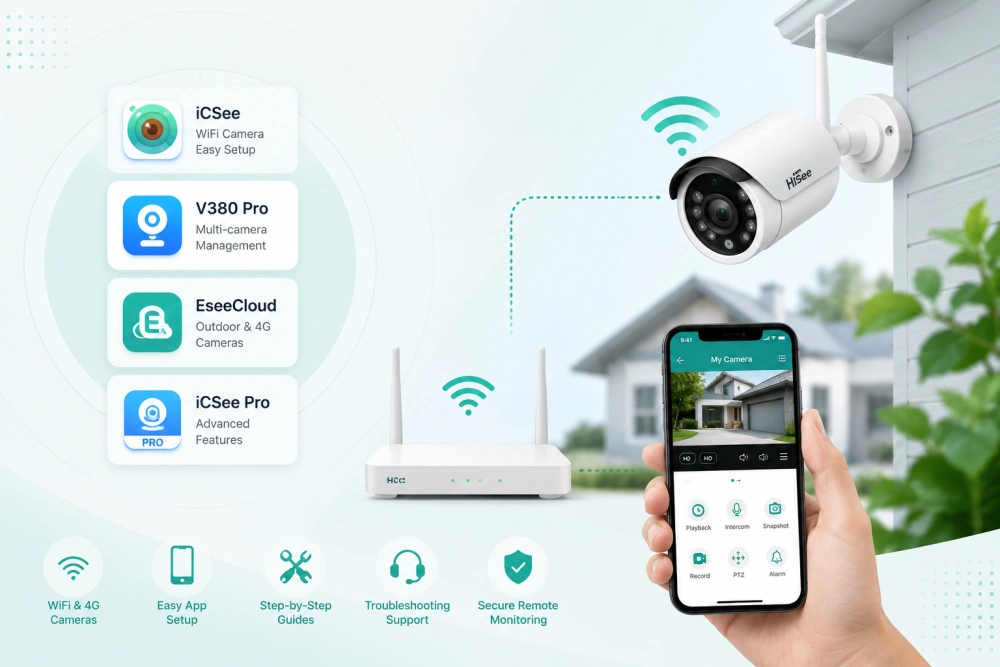
Security Camera Apps We Cover
A lot of security camera setup problems start with the wrong app. Many cameras look similar, but they use different software platforms. If you choose the wrong app, pairing may fail, WiFi setup may not work, or the device may stay offline.
Before you begin, check which app matches your camera model.
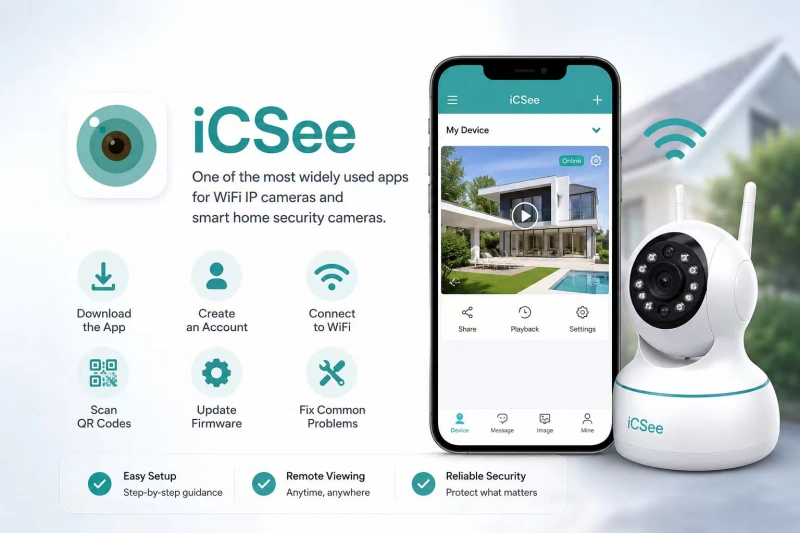
iCSee Security Camera App
A popular app for WiFi IP cameras and smart home security cameras. Learn how to download the app, create an account, connect to WiFi, scan the QR code, update firmware, and fix problems such as offline devices, failed pairing, and connection timeouts.
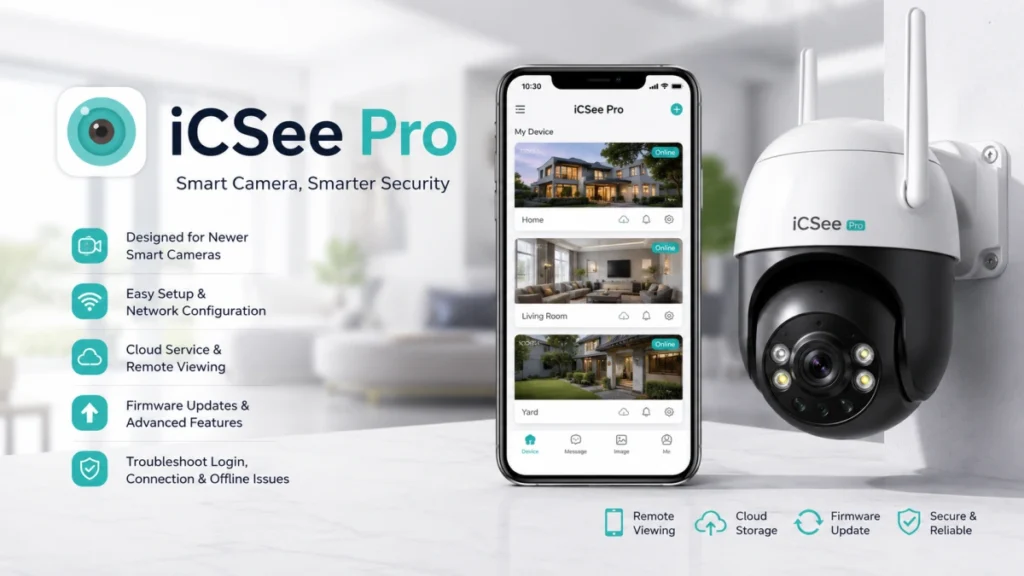
iCSee Pro Security Camera App
Designed for newer smart cameras and some advanced models. This guide explains how iCSee Pro differs from the standard iCSee app, which cameras need it, and how to complete setup correctly. It also covers network settings, remote viewing, cloud access, firmware updates, and login or connection issues.
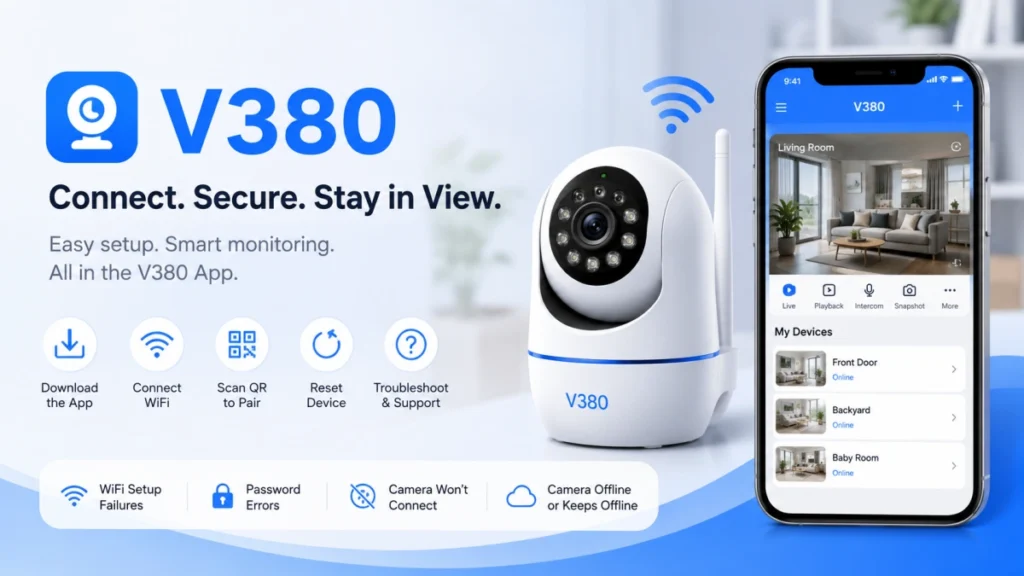
V380 Security Camera App
A widely used platform for indoor and outdoor WiFi security cameras. Follow step-by-step instructions for downloading the app, pairing your camera, scanning QR codes, resetting the device, and solving common issues like WiFi setup failure, password errors, and unstable connections.
V380 Pro Security Camera App
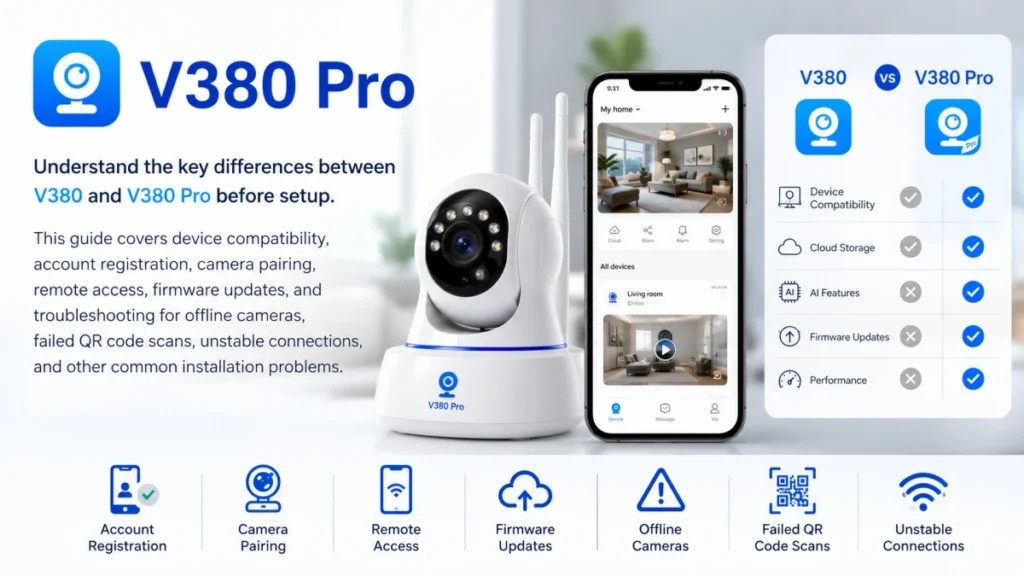
Learn the key differences between V380 and V380 Pro before setup. This guide covers compatibility, account registration, camera pairing, remote access, firmware updates, and troubleshooting for offline cameras, failed scans, and weak network signals.
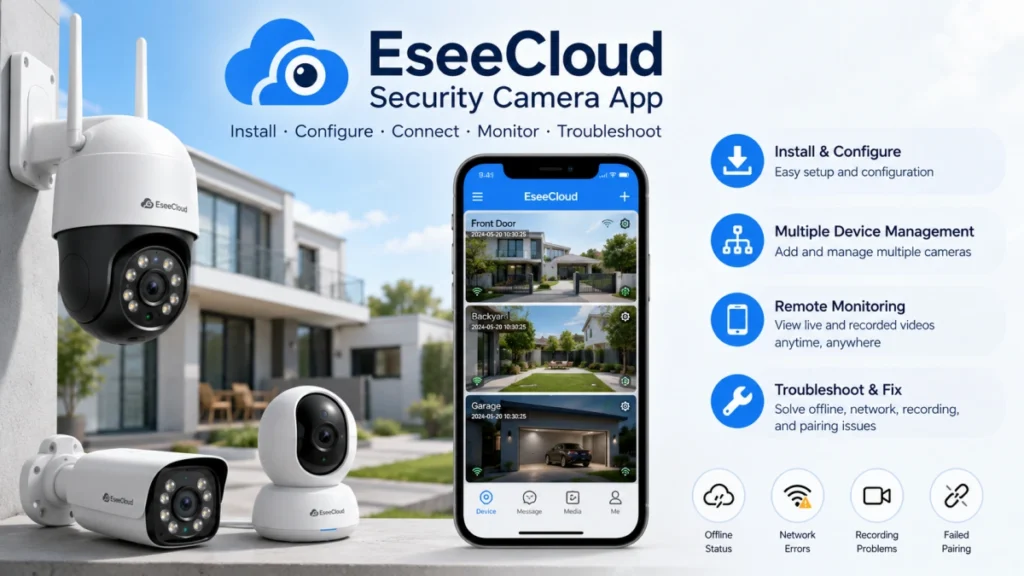
EseeCloud Security Camera App
Commonly used for outdoor security cameras, PTZ cameras, and multi-camera systems. Learn how to install and configure your camera, connect it to your network, manage multiple devices, enable remote monitoring, and fix issues such as offline status, recording problems, and failed pairing.
Common Security Camera Problems
Most security camera issues can be fixed without replacing the device or contacting technical support. Problems such as connection failures, offline status, QR code errors, or forgotten passwords are usually caused by incorrect settings, network issues, or an incomplete setup process. Start by identifying the symptom that best matches your situation, then follow the corresponding troubleshooting guide to get your camera working again.
What App Does My Security Camera Use?
The correct app depends on your camera’s firmware, not its appearance or brand name. Many cameras look almost identical but use different apps such as iCSee, iCSee Pro, V380, V380 Pro, or EseeCloud. Check the user manual, product label, QR code, or packaging to identify the recommended app before starting setup.
Do all security cameras require 2.4GHz WiFi?
No. Many WiFi security cameras support only 2.4GHz networks because they offer better range and compatibility. Some newer models support both 2.4GHz and 5GHz WiFi. Always check your camera’s specifications before connecting it to your wireless network to ensure a successful setup and stable long-term connection.
Can I use iCSee instead of V380?
No. Security camera apps are generally not interchangeable. A camera designed for V380 usually cannot be activated with iCSee, and vice versa. Always use the app recommended by your camera manufacturer to ensure successful pairing, remote access, stable device performance, and access to all supported camera features.
Why Does My Security Camera Keep Showing Offline?
A camera that suddenly appears offline may have lost power, disconnected from the internet, or encountered an app or firmware issue. Check the power supply, router connection, network signal strength, and the camera’s status in the app. You’ll also learn how to restore the connection without deleting and reinstalling the device.
Why Is My Security Camera QR Code Not Working?
If the camera cannot scan the QR code displayed on your phone, try increasing your screen brightness, adjusting the scanning distance, cleaning the camera lens, and holding the phone steady. Our troubleshooting guide explains why QR code pairing fails and provides several proven solutions for successful device activation
Why Can't I Find My Security Camera in the App?
When the app cannot discover your camera during setup, make sure you are using the correct app for your camera model and that the device is in pairing mode. Restart the setup process, reset the camera if necessary, and verify your network settings. We also explain why some cameras only work with specific apps.
What Should I Do If I Forgot My Security Camera Password?
Why Is My Security Camera Not Connecting to WiFi?
If your camera cannot connect to your wireless network, first verify that you entered the correct WiFi password and that your router is broadcasting a 2.4GHz network if required. Also check whether the camera has been properly reset before setup and ensure it is within range of your router. Our guide covers the most common causes of WiFi connection failures and how to resolve them.

Why Trust AllCamGuide?
Hi, I’m Anna Zhang.
Like many beginners, I struggled to set up my first security camera. Finding clear, reliable instructions wasn’t as easy as I expected.
After testing different cameras and mobile apps, I started documenting what actually works in real-world setups.
Every guide on AllCamGuide is written in plain English, with step-by-step instructions and practical troubleshooting based on common issues users face.
My goal is simple: to help beginners set up their security cameras quickly, avoid common mistakes, and solve problems with confidence.
We are here for you
Choose your camera app, follow the correct guide, and get your camera working faster. AllCamGuide is updated regularly with new setup tutorials and troubleshooting articles.