

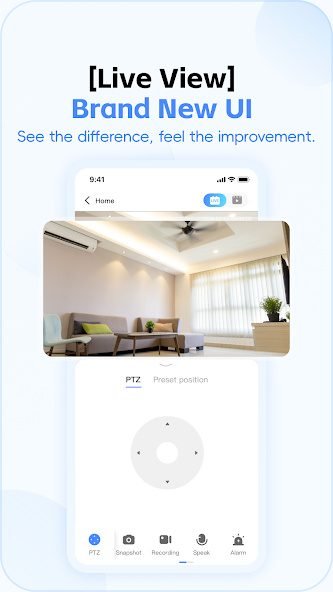
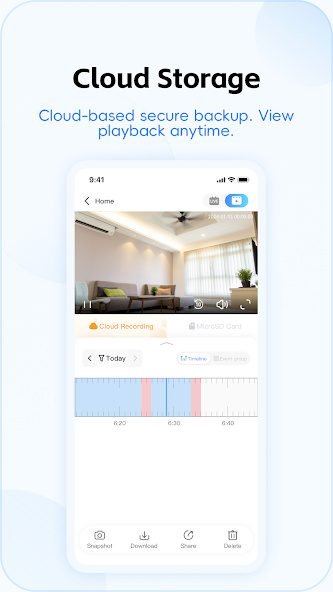
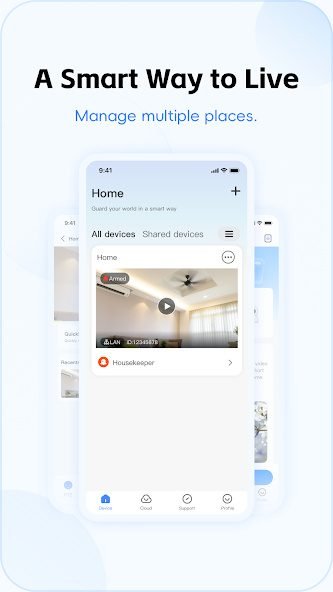
To set up cloud storage, open the V380 Pro app and select your camera. Tap “Cloud Storage” and choose a plan based on your needs. You can pick continuous recording or motion-based recording. After selecting a plan, follow the on-screen steps to activate it. Make sure your camera is online because cloud storage will not work if the device is offline. Cloud recordings can be viewed from any phone after logging in with the same account. If the cloud option does not appear, update your app or restart the camera to refresh the menu.
Motion Detection Alerts
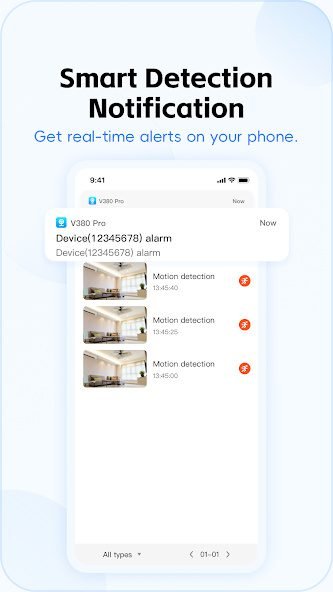
The V380 camera watches for movement and sends a quick notice to your phone through the V380 Pro app. You can change how sensitive it is, so small actions like pets or lights won’t bother you. It helps you notice important activity at home while you are away.