
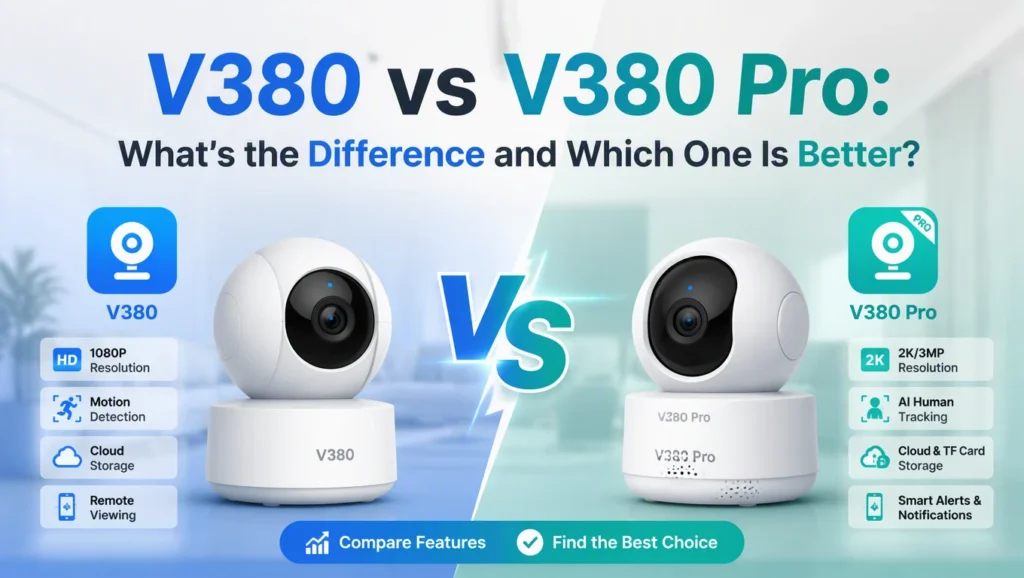

You bought a cheap Wi-Fi camera off AliExpress or Amazon, and the manual tells you to download “V380.” But when you search for it, two apps show up: V380 and V380 Pro. Same icon style, same company, almost the same name. Which one actually matches your camera? And if you already have one installed, is it worth switching to the other?
This guide walks through what actually separates V380 from V380 Pro, why so many camera boxes list both names, and how to tell which app your specific device needs. By the end, you’ll also know what happens if you pick the wrong one, whether your recordings and settings carry over if you switch, and how to fix the most common connection problems that show up right after installing either app.
What Is V380, and How Is V380 Pro Different?
V380 is a mobile app made by Guangdong Macro-Video for controlling budget Wi-Fi security cameras. V380 Pro is the newer version of that same app, built by the same company, for the same category of cameras. That’s the short version — but it’s also where most comparisons stop, and it’s not enough to actually help you pick one.
Here’s the part that matters: V380 and V380 Pro are not two different hardware generations. They’re two versions of one control app, and in most cases you can log into either one with the same account and see the same camera. The developer has said plainly that there’s no functional difference between the two apps for a given camera — V380 Pro is simply where new features land first, before they’re rolled into the older app (or sometimes not rolled in at all, once V380 stops getting updates).
So when people ask “v380 vs v380 pro,” they’re usually really asking one of two things: which app should I download for my camera, and does the “Pro” name mean better hardware? The answer to the second question is almost always no. The camera itself — its resolution, its lens, its night vision range — comes from the manufacturer, not from which app name is printed on the box.
Why Do Some Camera Boxes List Both V380 and V380 Pro?
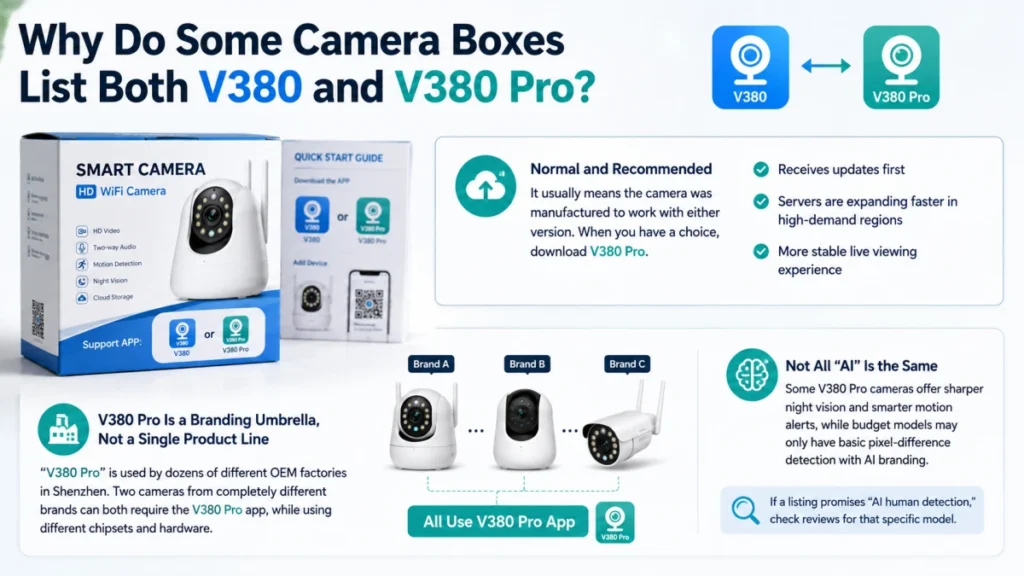
If your packaging or quick-start card lists both apps, that’s normal. It usually means the camera was manufactured to work with either version, and the seller didn’t want to bet on which one you’d find first in your app store. In practice, download V380 Pro when you have a choice. It receives updates first, and its servers are being expanded faster in high-demand regions, so live viewing tends to be more stable there.
One detail that rarely gets mentioned: “V380 Pro” is used as a branding umbrella by dozens of different OEM factories in Shenzhen, not as a single fixed product line. That means two cameras sold under completely different brand names on Amazon can both require the V380 Pro app, while running on different internal chipsets. This is exactly why some V380 Pro cameras have sharper night vision or smarter motion alerts than others, even though the app looks identical on your phone. If a listing promises “AI human detection,” it’s worth checking reviews for that specific model — plenty of budget units only run basic pixel-difference motion detection dressed up with AI branding.
V380 vs V380 Pro: Feature Comparison Table
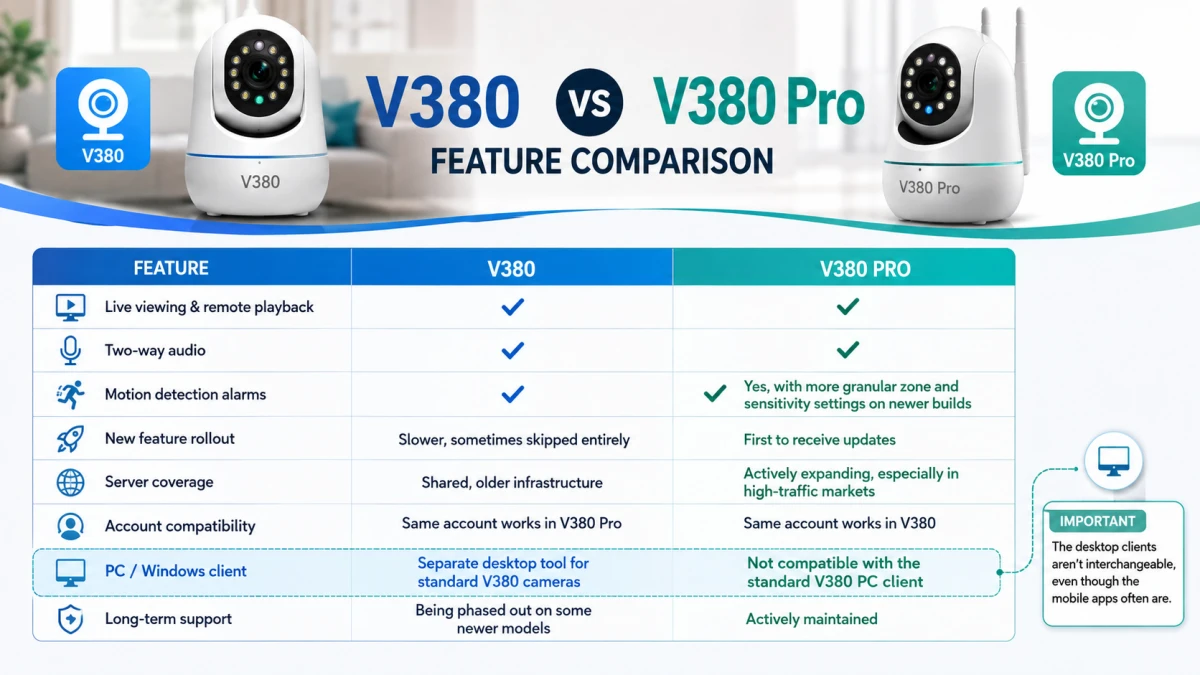
Because the two apps share a codebase, most of their core features line up. The differences show up mainly in rollout timing, server coverage, and how long each app keeps getting patched.
| Feature | V380 | V380 Pro |
|---|---|---|
| Live viewing & remote playback | Yes | Yes |
| Two-way audio | Yes | Yes |
| Motion detection alarms | Yes | Yes, with more granular zone and sensitivity settings on newer builds |
| New feature rollout | Slower, sometimes skipped entirely | First to receive updates |
| Server coverage | Shared, older infrastructure | Actively expanding, especially in high-traffic markets |
| Account compatibility | Same account works in V380 Pro | Same account works in V380 |
| PC / Windows client | Separate desktop tool for standard V380 cameras | Not compatible with the standard V380 PC client |
| Long-term support | Being phased out on some newer models | Actively maintained |
The PC row deserves a callout, since it trips people up constantly. If you plan to set up V380 Pro on a Windows computer, don’t assume the same installer works for a plain V380 camera — the desktop clients aren’t interchangeable, even though the mobile apps often are.
Which Camera Should Use V380 Pro Instead of V380?
You generally want V380 Pro if any of these apply to your setup:
| Situation | Recommended app |
|---|---|
| Camera was purchased in the last 1–2 years | V380 Pro |
| Box or manual lists “V380 Pro” specifically | V380 Pro |
| You want the newest firmware and app features first | V380 Pro |
| Camera came with a very old manual only mentioning “V380” | V380 (though V380 Pro will likely still connect) |
| You’re already using one app without issues | Stick with what works — don’t switch just because a name sounds newer |
If you’re unsure, install V380 Pro first and try adding the camera through its QR-code or Smart Config setup. Since it shares the backend with V380, it will almost always recognize the device. Only fall back to the original V380 app if the Pro version specifically fails to bind the camera.
Does Switching From V380 to V380 Pro Delete Your Recordings?
No — as long as your footage is stored on the camera’s microSD card or in a cloud storage plan tied to your account, switching apps doesn’t touch it. Cloud recordings are attached to your V380 account, not to the specific app you’re logged into, so logging into V380 Pro with the same username pulls up the same cloud history. Local SD card footage is stored on the device itself and is fully independent of which app you’re using to view it.
What you should check before switching is whether your account credentials carry over correctly. Because both apps use the same account backend, your username and password should work in either one without a fresh registration. If login fails after switching apps, that’s usually a sign the app version is outdated rather than an actual incompatibility — updating to the latest release from the app store usually resolves it.
Is V380 Pro Safe, and Does It Cost Anything to Use?
Both V380 and V380 Pro are free to download, and basic live viewing, playback, and motion alerts don’t require a subscription. Where V380 Pro can cost money is cloud storage — event-based cloud recording is a paid add-on, typically billed monthly per camera, separate from any microSD card storage you already have. If you’d rather avoid a subscription entirely, a local microSD card handles continuous recording without any recurring fee, though you lose the safety net of offsite backup if the camera itself is stolen or damaged.
On safety, V380 Pro doesn’t publish details about end-to-end encryption for its cloud tier, so treat cloud storage the way you’d treat any budget IoT service: use a strong, unique password, and don’t reuse credentials from another account. If you’re also weighing V380 Pro against other budget camera apps on security grounds, this comparison between iCSee and V380 Pro breaks down how the two handle permissions and account protection.
V380 Pro vs the Original V380 App: Which Should You Actually Download?
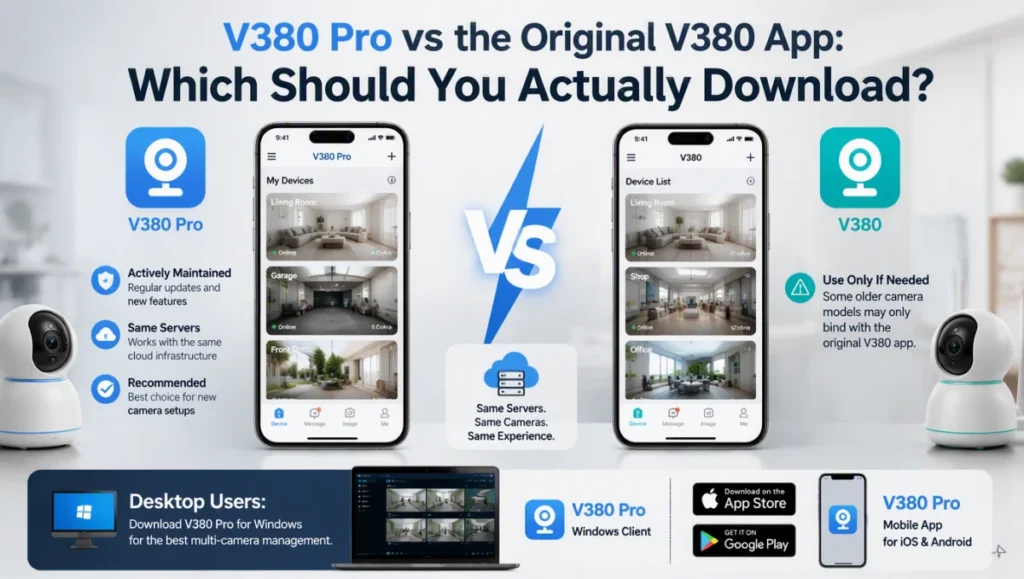
If you’re setting up a brand-new camera today, download V380 Pro first. It’s the actively maintained version, and since both apps talk to the same servers, there’s essentially no downside to starting there. Only reach for the original V380 app if your specific camera model refuses to bind through V380 Pro, which does happen occasionally with older hardware batches that were locked to a specific app version during manufacturing.
For anyone managing several cameras from a desktop instead of a phone, it’s also worth grabbing the right V380 Pro download for your device type ahead of time, since the Windows client and mobile app are separate installers with separate setup steps.
V380 vs V380 Pro: Frequently Asked Questions
Can I use my V380 account to log into V380 Pro?
Yes. Both apps share the same account backend, so your existing username and password will work in either app without creating a new registration. If login fails, update the app to its latest version before trying again.
Does V380 Pro work with old V380 cameras?
In most cases, yes — V380 Pro can add and control cameras originally set up through the standard V380 app, since they run on shared firmware and server infrastructure. A small number of very old models locked to a specific app version are the exception.
What happens if I install both V380 and V380 Pro on the same phone?
Nothing breaks. You can have both apps installed and logged into the same account at the same time; they simply show the same cameras and recordings independently of each other.
Is V380 Pro better than V380 for night vision or video quality?
No — video quality and night vision range come from the camera’s hardware, not the app. A camera with a weak IR sensor will look the same in both apps, since neither app changes the sensor or lens on the device.
Why does my camera app keep asking me to switch to V380 Pro?
Some firmware updates push users toward V380 Pro because that’s where the manufacturer is focusing future support. It’s not mandatory, but staying on an app that’s no longer updated means missing security patches over time.
Can I use V380 Pro without an internet connection?
Local network viewing works over Wi-Fi without internet in some setups, but remote viewing from outside your home network, along with cloud playback, both require an active internet connection on both the camera and your phone.
For the exact RTSP and ONVIF connection details some V380 and V380 Pro camera models expose to third-party recording software, iSpyConnect’s V380 camera database maintains a crowd-sourced list of ports and stream paths by model.