
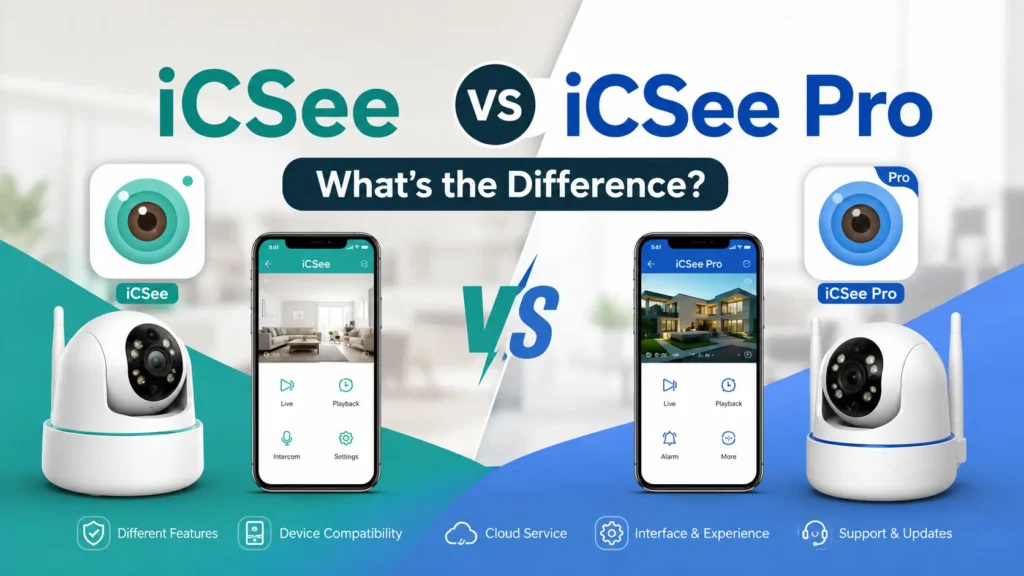

Many users are confused about the difference between iCSee and iCSee Pro. Since both apps come from the same ecosystem and look almost identical, it’s easy to assume they’re interchangeable.
In reality, they differ in compatibility, supported devices, features, and update history. Choosing the wrong app can lead to connection issues or missing functions.
In this guide, we’ll compare iCSee vs iCSee Pro, explain their key differences, and help you decide which app is the right choice for your security camera.
What Is iCSee?
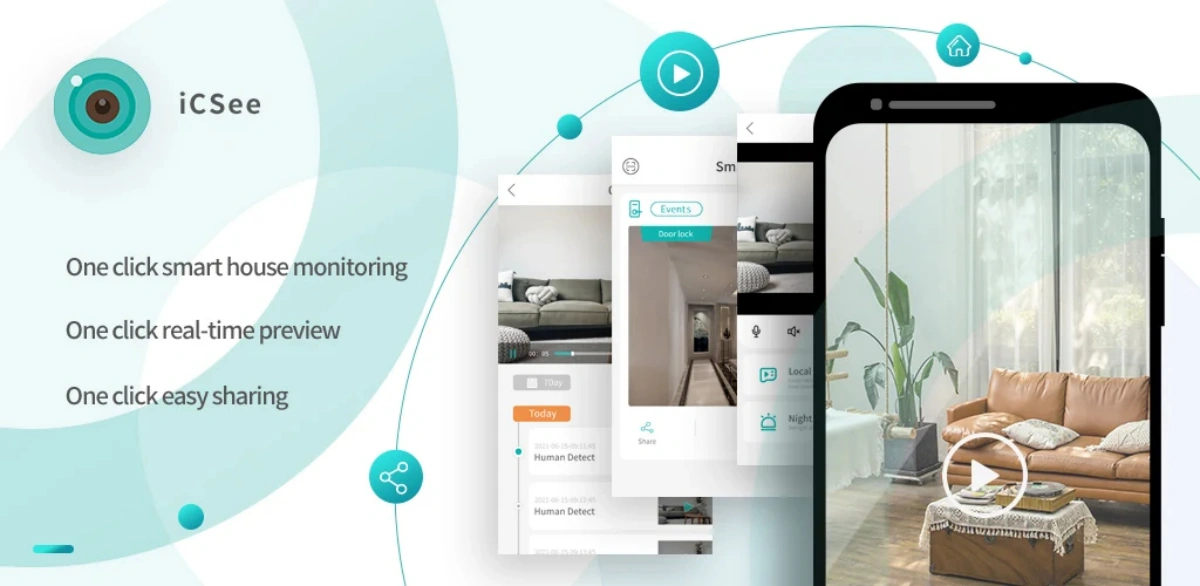
iCSee is a free, entry-level remote monitoring app designed to connect to a small number of compatible cameras, DVRs, or NVRs using a scannable device ID or QR code. It covers the core functions most home users need without added complexity.
Typical iCSee features include:
- Live view: real-time video streaming from one or more paired devices
- Playback: reviewing footage stored on an SD card, hard drive, or connected NVR
- Motion alerts: push notifications when a camera detects movement
- Basic PTZ control: pan, tilt, and zoom for cameras that support motorized lenses
- Snapshot and clip export: saving still images or short video segments to the phone
iCSee works well for a single home camera, a doorbell camera, or a small two-to-four channel DVR setup where one person manages the account. It does not typically include multi-user permission tiers or advanced detection algorithms, which is where iCSee Pro comes in.
What Is iCSee Pro?
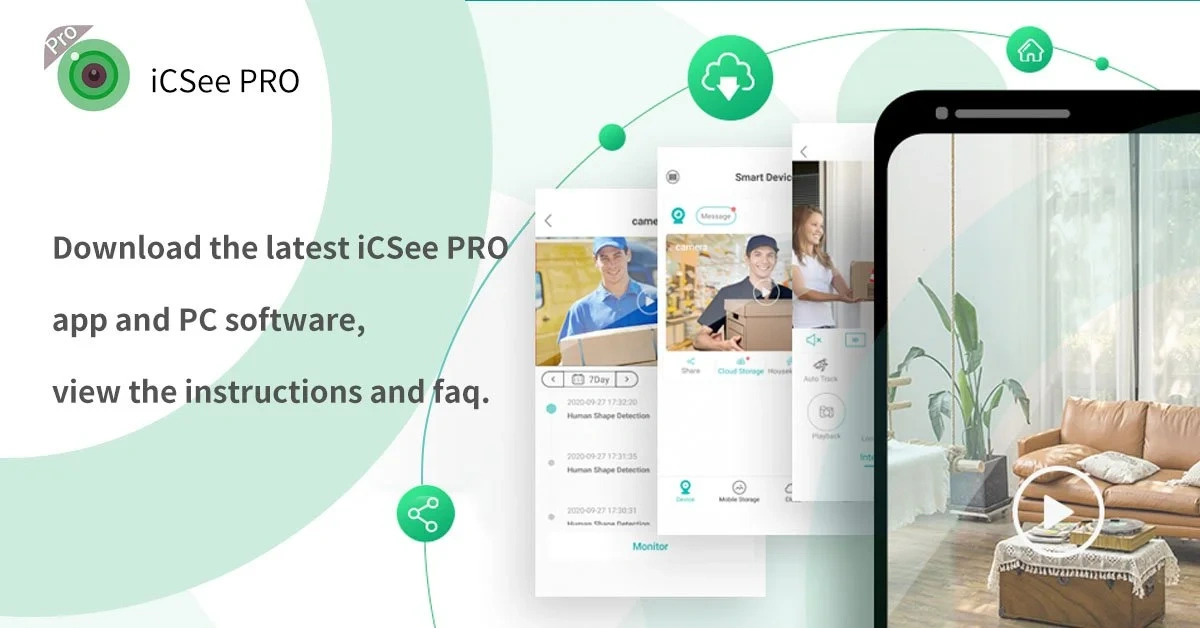
iCSee Pro is the expanded counterpart built for users managing multiple devices, multiple viewers, or advanced detection features, and it generally supports a broader range of hardware models than the base app. It is positioned as the "professional" tier without necessarily requiring a paid subscription for every feature.
Features commonly found in iCSee Pro but absent or limited in standard iCSee include:
- Multi-channel grid view: monitoring many camera feeds simultaneously on one screen
- AI human and vehicle detection: filtering alerts so notifications trigger on relevant motion rather than every pixel change
- Cloud storage integration: optional subscription plans for off-device backup, useful when SD cards or local NVR storage fail
- Multi-user access with permission levels: sharing a live feed with family members, employees, or an installer without handing over full account control
- Video wall support: arranging feeds across larger multi-screen or split-screen layouts, more relevant for small businesses than single households
iCSee Pro is generally the better fit for small offices, rental properties with several cameras, or installers managing footage across multiple client sites.
iCSee vs iCSee Pro: Key Differences at a Glance
The table below summarizes the practical differences reported across app store listings and manufacturer documentation for both apps.
| Feature | iCSee | iCSee Pro |
|---|---|---|
| Best for | Basic home camera monitoring | Multi-camera and advanced monitoring |
| Ease of use | Simpler setup with fewer options | More features and settings |
| Device support | Compatible with many basic cameras and recorders | Supports many newer devices and expanded features |
| Live view & playback | ✓ | ✓ |
| Motion alerts | Basic motion notifications | More advanced alerts on supported devices |
| AI detection | Depends on camera support | Available on supported cameras |
| Multi-user sharing | Limited | Better support for shared access |
| Cloud storage | Available on supported devices | Available on supported devices |
| Recommended choice | Single camera or simple setup | Multiple cameras or users needing more control |
Feature availability still depends on the specific camera, DVR, or NVR model. Neither app unlocks capabilities the hardware itself does not support.
Device Compatibility: How to Know Which App Your Camera Uses
Compatibility is determined by the manufacturer’s firmware, not personal choice, so the fastest way to confirm the right app is checking the device itself rather than guessing based on features. Installing the wrong app usually results in a failed pairing attempt rather than a working connection.
To confirm which app your hardware needs:
- Check the QR code sticker on the camera, DVR, or NVR housing; many manufacturers print the required app name directly next to it.
- Review the quick-start guide included in the box, which typically lists the exact app and version.
- Open the device’s on-screen menu (for DVR/NVR units with a monitor output) and look under network or mobile app settings.
- Check the product listing from the reseller or manufacturer’s support page if the physical documentation is missing.
- Contact the manufacturer’s support channel if the sticker, manual, and listing all disagree, since resellers sometimes rebrand hardware without updating documentation.
What Happens If You Use the Wrong App?
Using the wrong app typically produces a "device not found" or "add device failed" error rather than partial functionality. This happens because the P2P ID format and firmware handshake differ between the standard and Pro app ecosystems, even when both are made by the same underlying platform provider. Downloading both apps is harmless, so testing the alternative is a reasonable troubleshooting step if the documented app fails to pair.
How to Choose Between iCSee and iCSee Pro?
Choose iCSee Pro if you manage more than a couple of cameras, need AI-filtered alerts, or want to share access with multiple people; choose standard iCSee if you have one or two basic cameras and want the simplest possible setup. The decision is less about which app is "better" and more about matching the app’s scope to the actual monitoring workload.
Use iCSee when:
- You have a single camera or small DVR system
- You are the only person who needs live access
- You don’t need AI-based filtering on motion alerts
- Local SD card or NVR storage is sufficient for your needs
Use iCSee Pro when:
- You manage four or more channels, or plan to expand
- Multiple people (family, staff, or an installer) need separate access levels
- False motion alerts from wind, shadows, or pets are a recurring problem
- You want the option of cloud backup in case of hardware failure
How to Switch or Migrate Between iCSee and iCSee Pro?
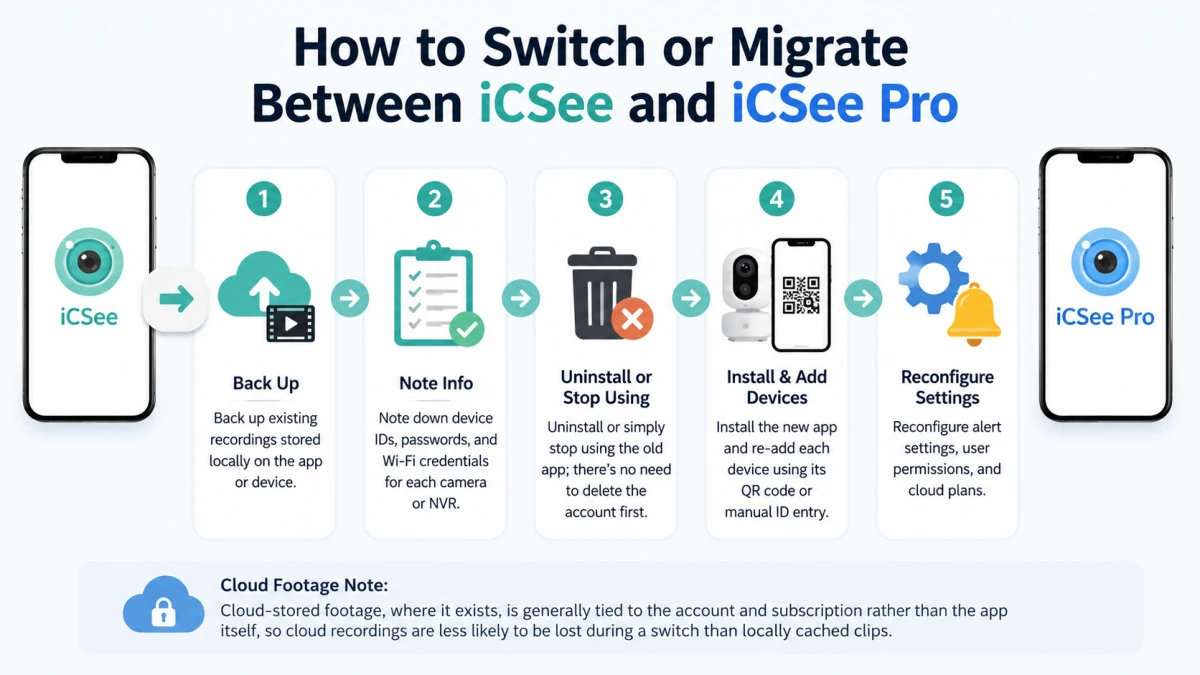
Switching between the two apps is mostly a matter of re-adding each device rather than transferring an existing account, since saved footage and settings typically don’t carry over automatically. Plan for a short setup window rather than expecting an instant migration.
Steps for switching apps:
- Back up existing recordings stored locally on the app or device before making changes.
- Note down device IDs, passwords, and Wi-Fi credentials for each camera or NVR.
- Uninstall or simply stop using the old app; there’s no need to delete the account first.
- Install the new app and re-add each device using its QR code or manual ID entry.
- Reconfigure alert settings, user permissions, and cloud plans, since these are typically app-specific rather than tied to the hardware.
Cloud-stored footage, where it exists, is generally tied to the account and subscription rather than the app itself, so cloud recordings are less likely to be lost during a switch than locally cached clips.
iCSee vs iCSee Pro: Frequently Asked Questions
Q1. Can I Install Both iCSee and iCSee Pro on the Same Phone?
Yes. On Android devices, iCSee and iCSee Pro are separate apps and can usually be installed at the same time. You can log into the same account on both or test which app works better with your camera. If your device supports only one app, the unsupported app typically won’t detect or configure the camera correctly.
Q2. Can I use iCSee Pro with a camera made for iCSee?
It depends on the specific device’s firmware, and it’s not guaranteed to work even though both apps share a similar ecosystem. Check the QR code or manual for your camera, DVR, or NVR first, and if the documented app isn’t available, testing the alternative app is a reasonable troubleshooting step since installing it does no harm.
Q3. Is iCSee Pro worth downloading for a single camera?
For a single basic camera, iCSee Pro is usually unnecessary since its multi-channel and multi-user features go unused. It’s worth downloading only if that one camera has AI detection capabilities you want to use, or if you plan to add more cameras soon and prefer to set up the more capable app from the start.
Q4. Does iCSee Pro require a paid subscription?
No, iCSee Pro is generally free to download and use for core live viewing and playback functions. Optional paid add-ons, most commonly cloud storage subscriptions, are available on top of the free base features, but they are not required to use the app’s standard monitoring tools.
Q5. Which App Gets More Updates?
iCSee Pro generally receives feature updates more frequently, especially for AI detection, cloud services, and device management. However, update frequency varies by region and device compatibility, so newer versions don’t always mean better support for every camera.
Conclusion
iCSee and iCSee Pro serve the same basic purpose, remote video monitoring, but at different scales of complexity. iCSee fits single-camera or small-scale setups where simplicity matters most, while iCSee Pro is built for multi-camera environments that need AI filtering, shared access, or cloud backup options.
Before downloading either app, check the QR code or quick-start guide that shipped with your specific camera, DVR, or NVR, since compatibility is dictated by firmware rather than feature preference. As more households and small businesses add multiple cameras and shared access needs, apps built for multi-device management, like iCSee Pro, are likely to become the more common starting point rather than the exception.