
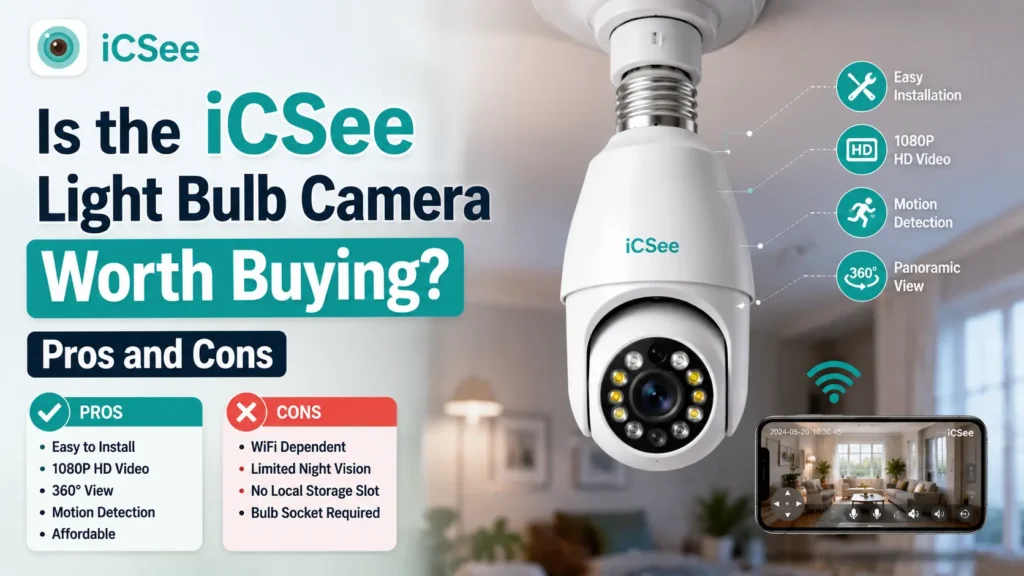


Is the iCSee Light Bulb Camera worth buying? For most casual users, yes: it is one of the few security cameras that needs no drilling, no mounting bracket, and no separate power cable, because it screws directly into any standard E27 light bulb socket. The iCSee Light Bulb Camera combines a working LED light with a 360-degree pan-tilt security camera, motion detection, two-way audio, and remote viewing through the iCSee mobile app. For users who need dependable outdoor coverage, sharp night footage, or guaranteed long-term firmware updates, the answer is more cautious, since iCSee is a generic (white-label) app used by dozens of manufacturers with inconsistent hardware quality.
This article breaks down what the iCSee Light Bulb Camera actually does, where it performs well, where it falls short, and how it compares to other indoor security cameras, so you can decide whether it fits your specific home monitoring needs.
What Is the iCSee Light Bulb Camera?
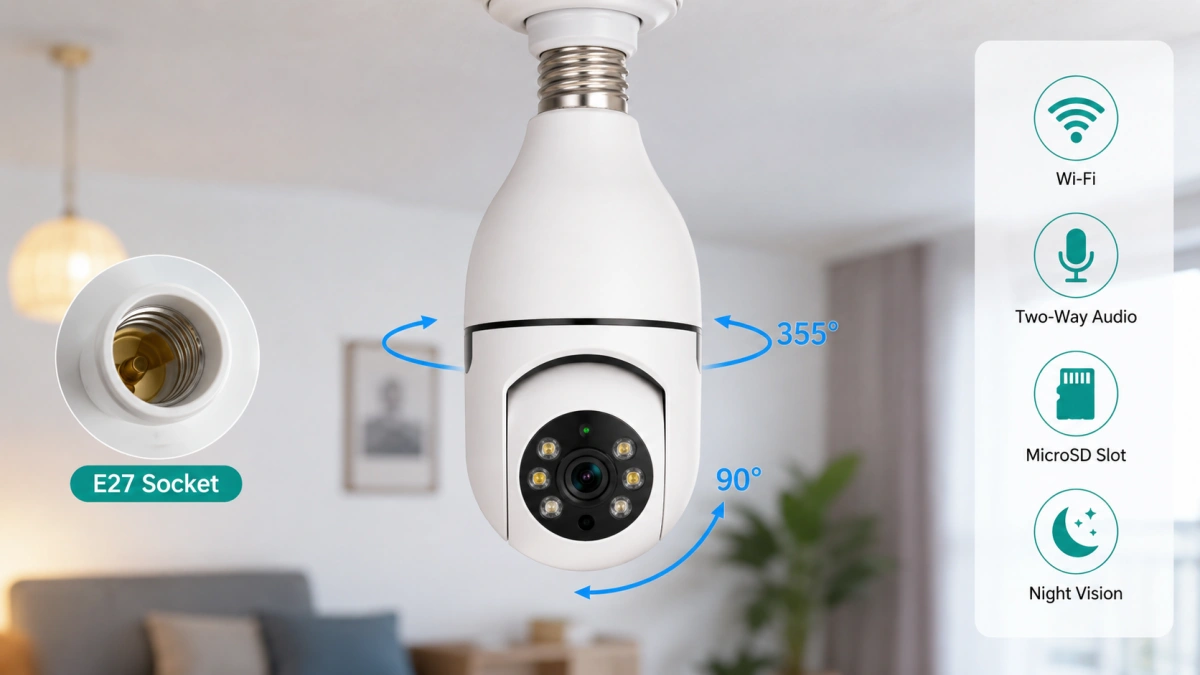
The iCSee Light Bulb Camera is a Wi-Fi security camera built into the housing of a standard light bulb, designed to provide discreet, all-in-one lighting and surveillance for a single room. It screws into any E27 socket (the standard screw-base fitting used in most household lamps and ceiling fixtures) and draws power the same way a normal bulb would, which removes the need for a separate adapter or exposed wiring.
The name “iCSee” refers primarily to the companion app, not one single hardware manufacturer.
This matters for buyers because two products both labeled “iCSee Light Bulb Camera” from different sellers can use different sensors, lenses, and firmware, even though the app interface and menu layout look identical.
Inside the bulb housing, the camera typically includes:
- A rotating pan-tilt camera module, commonly rated for 355-degree horizontal and 90-degree vertical movement
- An LED light source that can be switched on or off independently of the camera
- A built-in microphone and speaker for two-way audio
- A microSD card slot for local storage, usually supporting cards up to 128GB or 256GB depending on the model
- Infrared LEDs for basic black-and-white night vision
Because it looks like an ordinary bulb until the lens rotates, the camera works well for discreet indoor monitoring where a visible security camera might feel intrusive to guests or family members.
Key Features and Specifications of the iCSee Light Bulb Camera
The iCSee Light Bulb Camera’s core specifications stay fairly consistent across sellers, even though actual build quality varies. The table below summarizes the features most commonly listed by manufacturers and retailers for this camera category.
| Feature | Typical Specification | Notes |
|---|---|---|
| Video resolution | 1080p (2MP); some models 3MP or 5MP | Real-world clarity depends heavily on sensor quality and video compression |
| Field of view | 355° pan, 90° tilt | Motorized and controlled remotely through the app |
| Night vision | Infrared, roughly up to 10 meters | Black-and-white output only |
| Audio | Two-way, built-in microphone and speaker | Latency and clarity vary by model |
| Storage | MicroSD (local); some models offer cloud storage | SD card is rarely included in the box |
| Connectivity | 2.4GHz Wi-Fi only | Does not support 5GHz-only networks |
| Power | Standard E27 bulb socket | Also functions as a working light source |
| App | iCSee (iOS and Android) | Same app is used by several other bulb camera brands |
| Motion detection | Yes, with push notifications | Sensitivity is adjustable within the app |
These specifications are drawn from publicly listed product descriptions on major e-commerce marketplaces as of 2025 and have not been independently lab-tested. Treat resolution, range, and coverage figures as manufacturer-stated claims rather than verified benchmarks.
Pros of the iCSee Light Bulb Camera
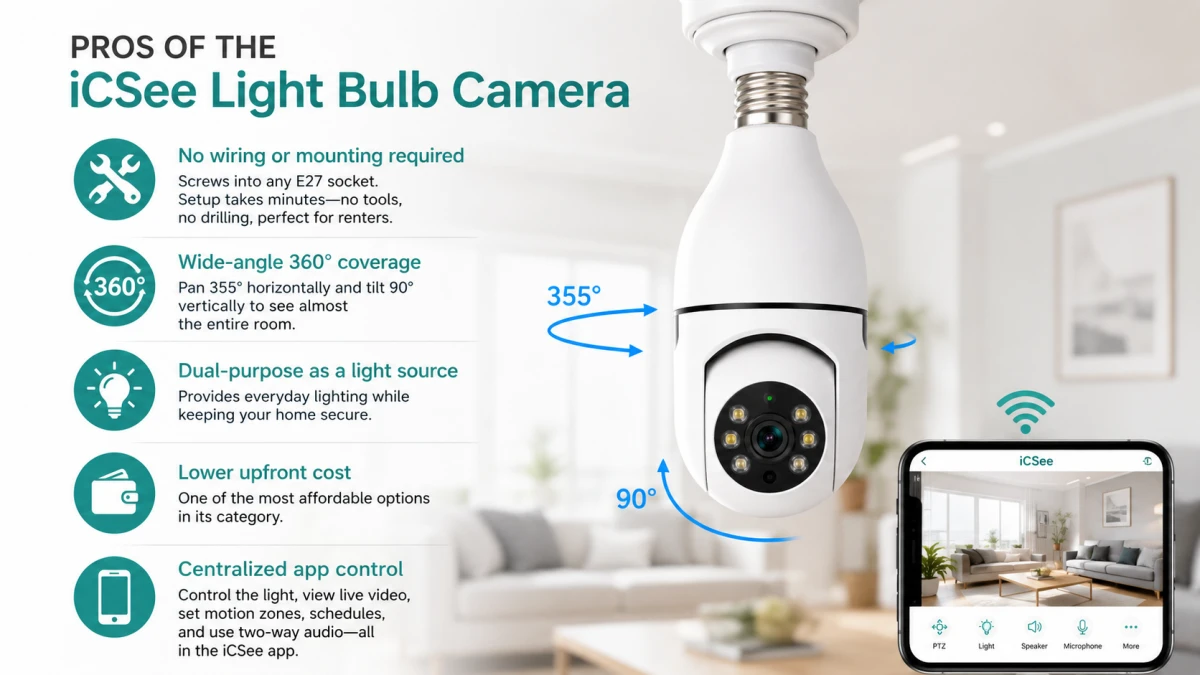
The iCSee Light Bulb Camera’s biggest advantages come from its installation format, not from advanced camera hardware. The following benefits show up consistently across most models sold under this app, regardless of the specific seller.
- No wiring or mounting required. Since it uses a standard bulb socket, setup takes minutes and requires no tools, no drilling, and no permanent modification to the room, which makes it a practical option for renters.
- Wide-angle 360-degree coverage. The pan-tilt motor lets one camera cover most of a room, reducing the need for multiple fixed cameras in a small space.
- Dual-purpose as a light source. The bulb still lights the room normally, so it does not take up an extra outlet or add a visible device to the ceiling.
- Lower upfront cost. The iCSee Light Bulb Camera is consistently marketed as one of the least expensive options in its category, often listed well below name-brand indoor cameras, though exact pricing varies by seller and season.
- Centralized app control. The iCSee app manages both the light and the camera in one interface, including motion zones, recording schedules, and two-way audio.
Cons of the iCSee Light Bulb Camera
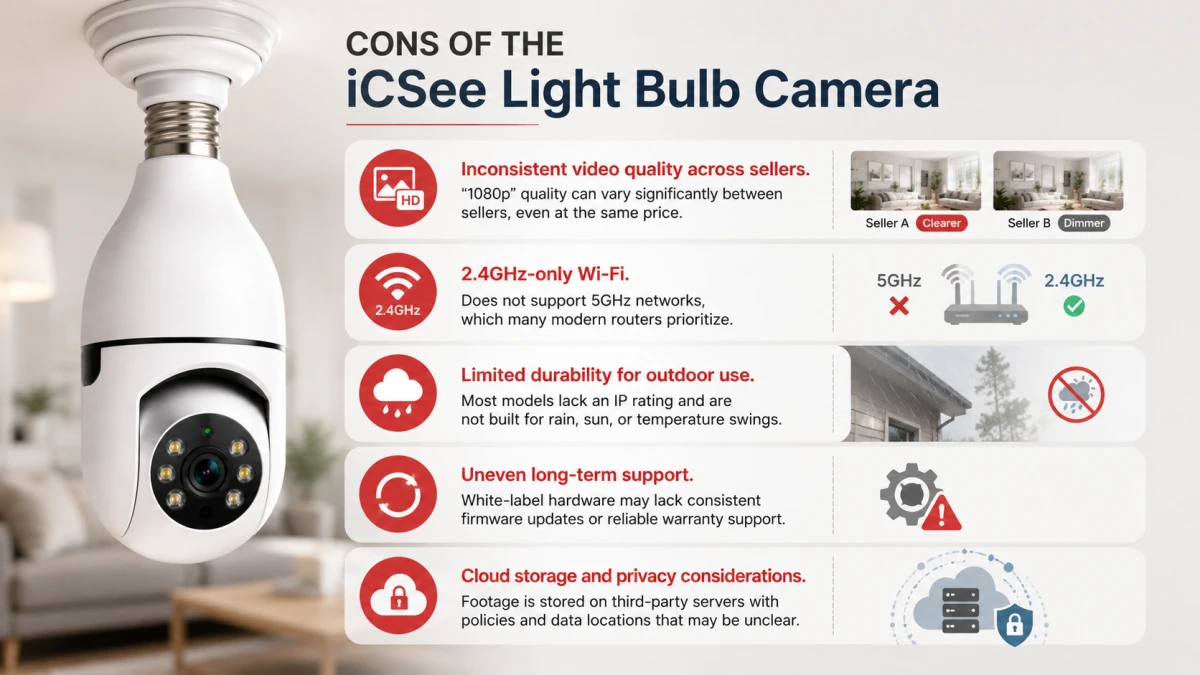
The iCSee Light Bulb Camera’s drawbacks mostly trace back to its white-label manufacturing model rather than the core concept. Buyers should weigh these limitations carefully before purchase.
- Inconsistent video quality across sellers. Because many factories produce visually identical bulbs under the iCSee app, one listing’s “1080p” camera can look noticeably sharper or dimmer than another’s, even at the same price point.
- 2.4GHz-only Wi-Fi. The camera cannot connect to 5GHz-only networks, which is a growing limitation as more routers default to dual-band or mesh setups that deprioritize 2.4GHz.
- Limited durability for outdoor use. Most listings do not include a formal IP rating, meaning the camera is not designed to withstand rain, direct sun exposure, or temperature swings outside a typical indoor environment.
- Uneven long-term support. White-label hardware often lacks consistent firmware updates or manufacturer warranty support, since the actual factory behind any given listing can change without notice.
- Cloud storage and privacy considerations. When cloud recording is enabled, footage is stored on third-party servers whose location and data policies are not always clearly disclosed, which is worth checking before enabling that feature.
How Does the iCSee Light Bulb Camera Compare to Other Indoor Security Cameras?
Compared with dedicated indoor security cameras from established brands, the iCSee Light Bulb Camera trades brand consistency and long-term support for a lower price and a disguise-as-bulb installation. The table below outlines where each option tends to fit.
| Category | iCSee Light Bulb Camera | Generic Plug-in Wi-Fi Camera | Established-Brand Indoor Camera | Traditional Non-Camera LED Bulb |
|---|---|---|---|---|
| Installation | Screws into any E27 socket | Plugs into an outlet | Plugs into an outlet or mounts on a wall | Screws into any E27 socket |
| Field of view | Wide, motorized pan-tilt | Often fixed or limited pan | Wide, sometimes motorized | None (no camera) |
| Night vision | Basic infrared | Varies by model | Often better low-light sensors | None |
| App ecosystem | Shared white-label app (iCSee) | Varies, sometimes also white-label | Manufacturer-specific, more consistent | Standard lighting app or none |
| Long-term support | Inconsistent | Inconsistent | Generally more reliable | Not applicable |
| Best for | Discreet single-room monitoring on a budget | Simple fixed-angle monitoring | Users prioritizing consistent quality and support | Users who only need lighting |
How to Set Up the iCSee Light Bulb Camera?
Setting up the iCSee Light Bulb Camera follows a similar process across most sellers, since they share the same core app. The general steps are:
- Screw the bulb into a standard E27 socket in a lamp or ceiling fixture and switch on power.
- Download the iCSee app from the iOS App Store or Google Play and create an account.
- Follow the in-app prompt to add a new device, then scan the QR code displayed by the camera or shown in its included manual.
- Connect the camera to a 2.4GHz Wi-Fi network specifically, since it will not detect 5GHz-only networks.
- Insert a microSD card if local storage is desired, then format it through the app’s storage settings.
- Adjust the pan-tilt position, set motion detection zones, and test night vision before relying on the camera for ongoing monitoring.
Is the iCSee Light Bulb Camera Worth Buying for You?
Whether the iCSee Light Bulb Camera is worth buying depends on where and how it will be used, not on the product category as a whole. The scenarios below reflect the practical tradeoffs already outlined in its pros and cons.
| Scenario | Recommendation |
|---|---|
| Renting an apartment and wanting simple indoor monitoring | A good fit, since it requires no permanent installation |
| Monitoring a nursery, living room, or entryway on a budget | A reasonable fit, given the low cost and wide field of view |
| Protecting a home’s exterior, driveway, or porch | Not recommended, due to the lack of weatherproofing |
| Running a business that needs reliable, auditable footage | Not recommended, due to inconsistent quality control and support |
| Living in a home with a 5GHz-only Wi-Fi network | Not compatible without adding a separate 2.4GHz network or extender |
FAQ for iCSee Light Bulb Cameras
Q1. Is the iCSee Light Bulb Camera good for outdoor use?
No, the iCSee Light Bulb Camera is designed for indoor use. Most listings do not include a formal weatherproof or IP rating, so exposure to rain, humidity, or extreme temperatures can damage the internal electronics and shorten its lifespan.
Q2. Does the iCSee Light Bulb Camera work without Wi-Fi?
It can still function as a light and record locally to a microSD card without an internet connection, but remote viewing, push notifications, and two-way audio all require an active 2.4GHz Wi-Fi connection. Without Wi-Fi, you would need to physically retrieve the SD card to review footage.
Q3. Is the iCSee app safe to use for a security camera?
The iCSee app can be used safely if you take standard precautions: use a unique, strong password, review what the app requests access to, and disable cloud storage in favor of local SD card recording if you are concerned about third-party data handling. As with any white-label camera app, there is no single company you can hold consistently accountable for long-term data practices, so more privacy-conscious users may prefer local-only storage.
Q4. How does the iCSee Light Bulb Camera’s price compare to name-brand security cameras?
The iCSee Light Bulb Camera is consistently marketed as one of the least expensive options in the bulb camera category, generally priced well below most name-brand indoor security cameras. The exact price gap varies by seller and time of purchase, but the tradeoff is typically less consistent quality control and support compared to established security camera brands.
Conclusion
The iCSee Light Bulb Camera earns its value from convenience and price, not from advanced camera technology. It works well as a discreet, easy-to-install option for renters and budget-conscious buyers who want basic indoor monitoring in a single room, but it is not built for outdoor exposure, mission-critical footage, or households relying entirely on 5GHz Wi-Fi. Before buying, check the specific listing’s reviews and stated specifications closely, since two products using the same iCSee app can come from very different factories. If your monitoring needs go beyond one indoor room, comparing this camera directly against dedicated indoor security cameras using the table above will help clarify whether the tradeoff is worth it for your situation.